Short answer
Use the default settings and it will work. If you want nicer results, lower the speed and the layer height. You seldom need to think about more than that.
How to print PLA: quick guide
PLA is the easiest material to print. It barely lifts at the corners, sticks easily and copes with small mistakes, which makes it a good material to start with. If you want to read up on the material itself first, see What is PLA? Here we go straight to the settings and the few things that are actually worth thinking about. All temperatures below come from our own data sheets.
Recommended settings
Here are the starting values from our data sheets. Most printers handle PLA straight out of the box, so use the table as a reference if you need to adjust.
Step by step
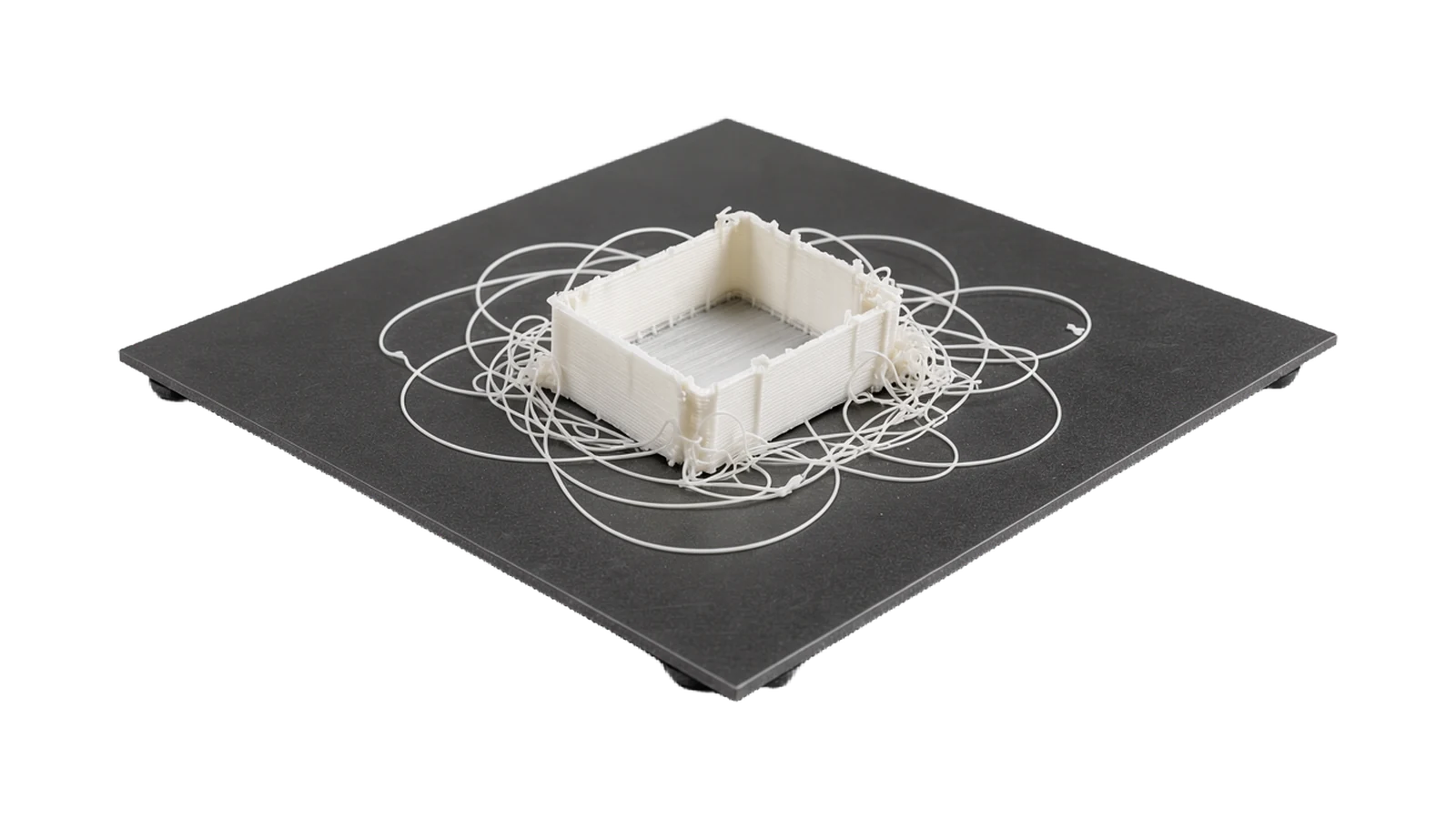
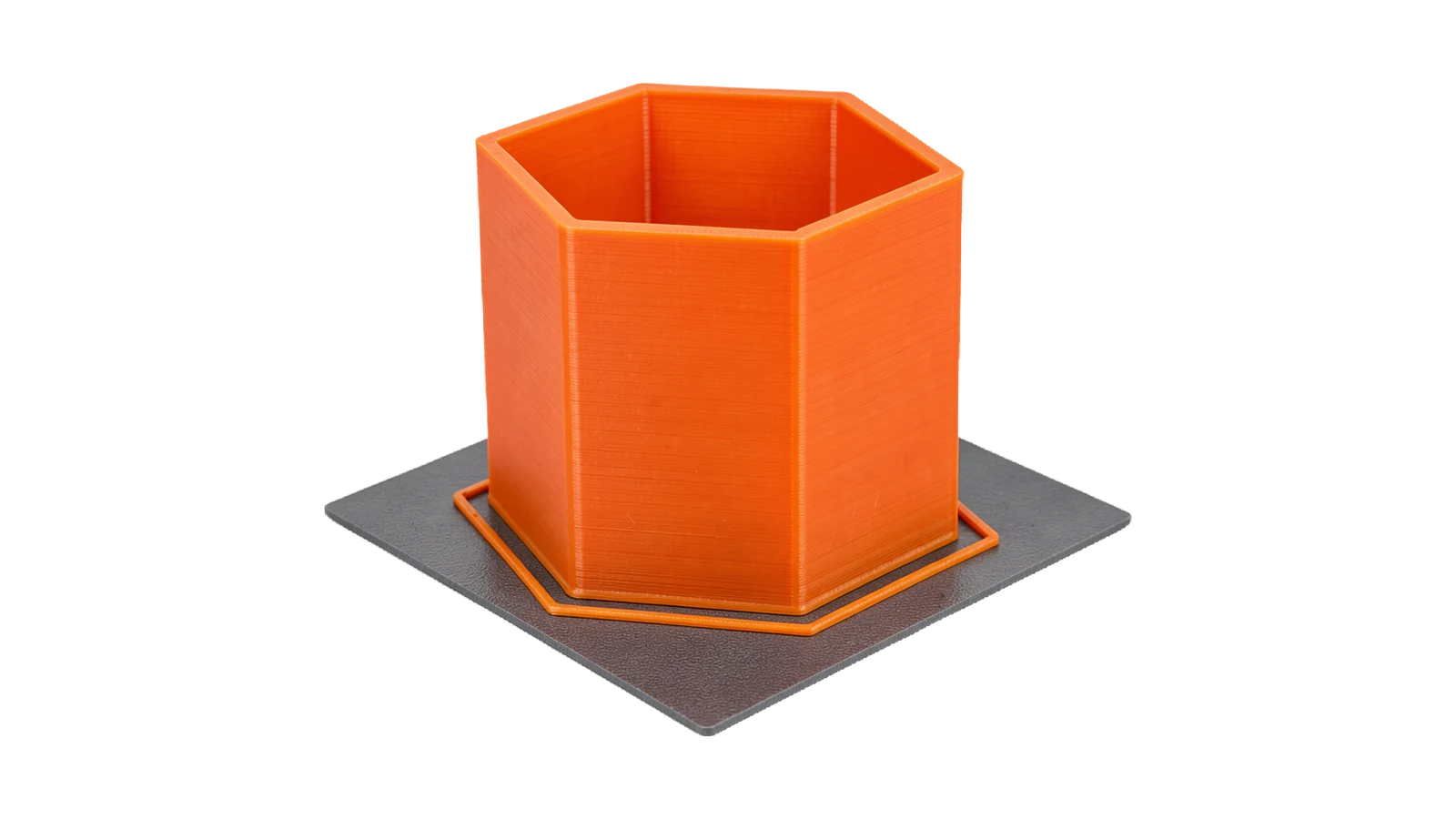
1. The first layer. PLA adheres easily to most build plates. Unlike PETG, it likes to be pressed slightly against the surface, so the strands are squashed together into an even surface. Clean, levelled bed? You seldom need any adhesive at all. Otherwise glue stick works very well. If it still won't stick, see Print won't stick for all the causes.
2. Turn the cooling on. PLA does well with plenty of layer cooling. It sets quickly and gives sharp details, neat overhangs and clean bridges. If you have a cooling fan, run it at full speed after the first few layers.
3. Slow down for finer surfaces. The material can handle high speeds, but the surface looks better when you slow down. For really fine detail, lower the layer height as well. That goes for every material.
Common problems and solutions
Do you want stronger or better-looking parts?
→ Best-looking results
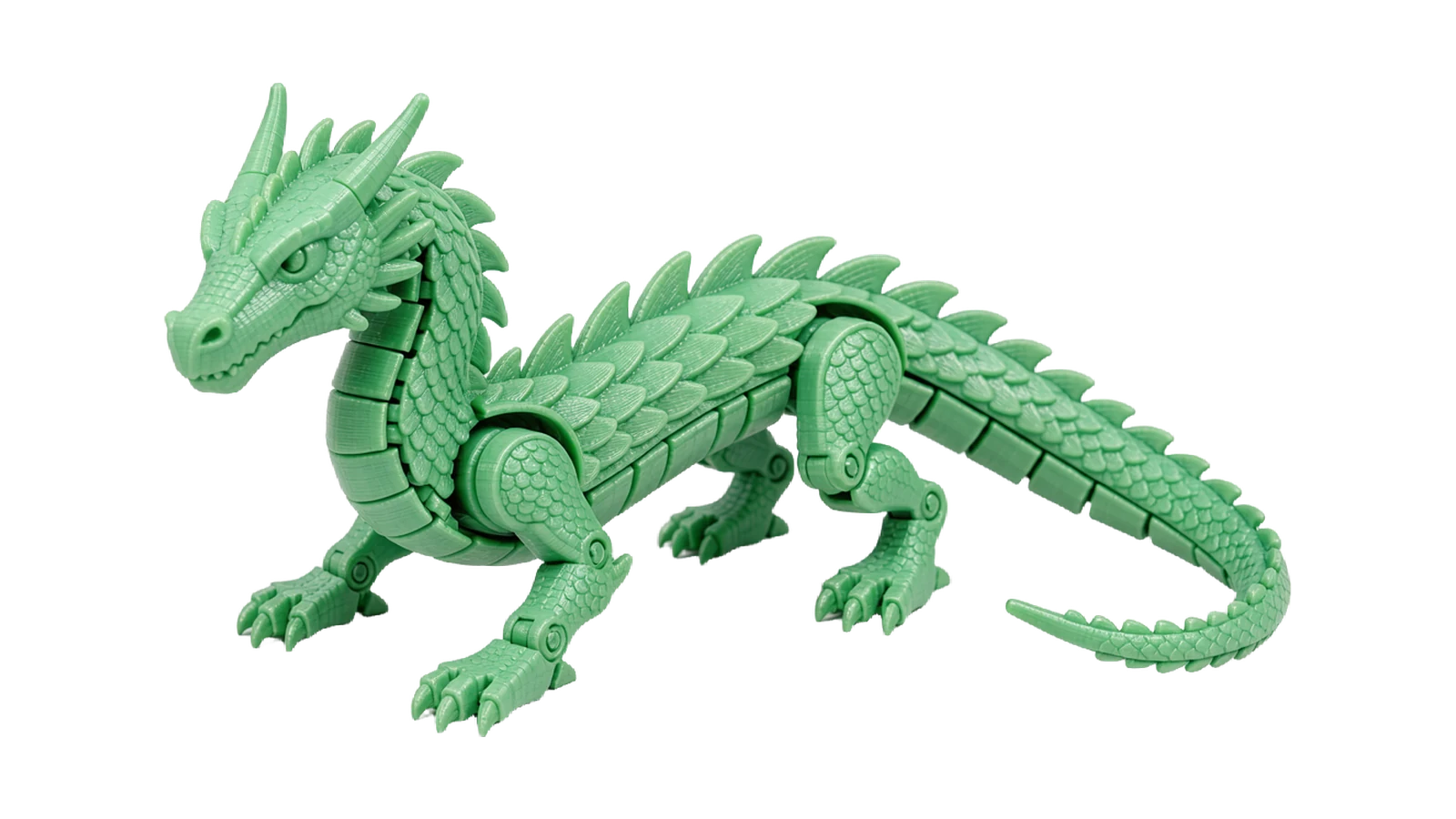
A low layer height (0.12–0.15 mm), moderate speed and full layer cooling give the sharpest detail in PLA. Well suited to figurines and models.
→ Strongest parts
A higher temperature and layer height with less cooling bonds the layers harder. If you need PLA that withstands more impact, there is PLA Pro among our PLA filament.
Frequently asked questions about printing PLA
What temperature should I print PLA at?
190–220 °C for the nozzle and 40–65 °C for the bed according to our data sheets. 205 °C is a good starting point for most. It also works on a cold bed, but a lightly heated bed holds better.
Does PLA need a heated bed?
Not necessarily. A bed at around 60 °C does give better adhesion for the first layer, but many people run entirely without a heated bed and solve it with glue stick or a good build plate instead.
Why are my PLA parts rough?
Almost always too high a speed, too large a layer height, or both. Lower them and double-check that the layer cooling is actually working as it should.
Is PLA good for beginners?
Yes. It is the most beginner-friendly material there is. It barely lifts at the corners, sticks easily and works on practically any FDM printer with default settings, straight out of the box.
PLA in 88+ shades, from 117 SEK
Every colour test-printed, vacuum-packed with a silica gel sachet and shipped from Tibro within 48 hours.