Short answer
Slow down. TPU wants to be fed slowly and evenly, preferably with a direct drive extruder. If you are patient it prints nicely; if you rush, the filament buckles.
How to print TPU: quick guide
TPU is flexible and tough, but the soft material makes different demands from rigid filaments. The most important thing is to print slowly and evenly. If you would like to read up on the material itself first, we cover it in What is TPU?. This guide shows how to get neat, flexible TPU parts, and all temperatures come from our own data sheets.
Recommended settings
Starting values for TPU from our data sheets. Low, steady speed matters most.
Step by step
1. Print slowly and steadily. This is the single most important rule for TPU. Because the material is soft, it can buckle in the feed path if it is pushed too fast. Keep the speed low, ideally 30–60 mm/s, and steady throughout the print. Avoid fast accelerations too.
2. Preferably a direct drive extruder. A printer with a direct drive extruder has a short path between the drive gear and the nozzle, which gives much better control of the soft filament. It is possible to print TPU on Bowden printers as well, but then you need to lower the speed further and keep retraction short.
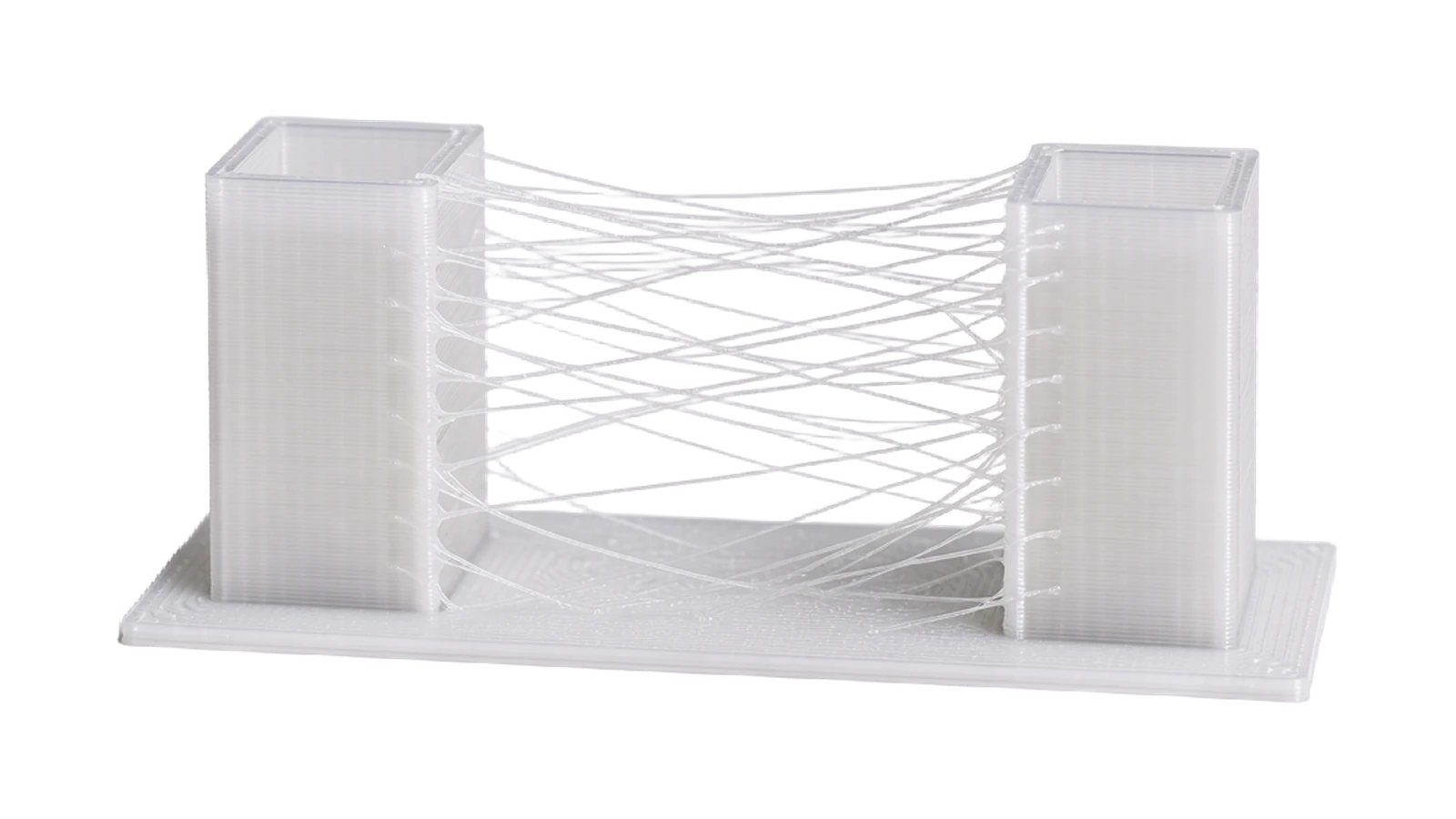
3. Tune retraction carefully. Too much retraction can squash or buckle the soft filament in the extruder. Use shorter retraction distances than for rigid materials. A little stringing is common with TPU and can often be cleaned up afterwards, so put steady feeding ahead of completely string-free prints. If the threads persist, there are more tricks in the guide to stringing. Our TPU filament comes in a classic variant, a transparent one and the stiffer TPU 70D.
Common problems and solutions
Good to know
→ With a direct drive extruder
A direct drive extruder pushes the filament a much shorter distance before the nozzle, which gives considerably better control of the soft material. Printers with a direct drive extruder handle TPU noticeably more easily.
→ With a Bowden extruder
It is still possible to print, but lower the speed substantially (below 30 mm/s) and keep the feed tube as short and straight as possible. Soft filament easily buckles in a long tube at higher speeds.
Frequently asked questions about printing TPU
What temperature should I print TPU at?
According to our data sheets, 200–230 °C for the nozzle and 25–75 °C for the bed, depending on the variant. Start at around 220 °C for the nozzle and about 50 °C for the bed.
Do I need a direct drive extruder for TPU?
It is preferable because a direct drive extruder gives better control of the soft filament. It works on Bowden printers too, but then you should lower the speed further and keep retraction short.
Why does my TPU buckle in the extruder?
Almost always because the speed is too high. The soft filament can't be fed evenly in time and folds over. Lower the speed substantially and make sure the feed is even.
How fast can I print TPU?
Stick to 30–60 mm/s, as given in our data sheets. With TPU, a low, steady speed gives by far the best results, so it pays to be patient.
TPU in 8 shades, from 240 SEK
Every colour test-printed, vacuum-packed with a silica gel sachet and shipped from Tibro within 48 hours.